For Hikers & Campers

In a valley, the sun goes behind the ridge before the official sunset.

SunCast's terrain shadows show when the hills around your route or campsite will block the sun, and the AR view shows where it will rise over the real skyline. Use both to pick a pitch with early warmth or afternoon shade, and to know how much direct daylight you have left on the trail.

Last updated: October 14, 2026

Download on the App Store
SunCast photographer user avatar SunCast property agent user avatar SunCast gardener user avatar

4.8 · US App Store

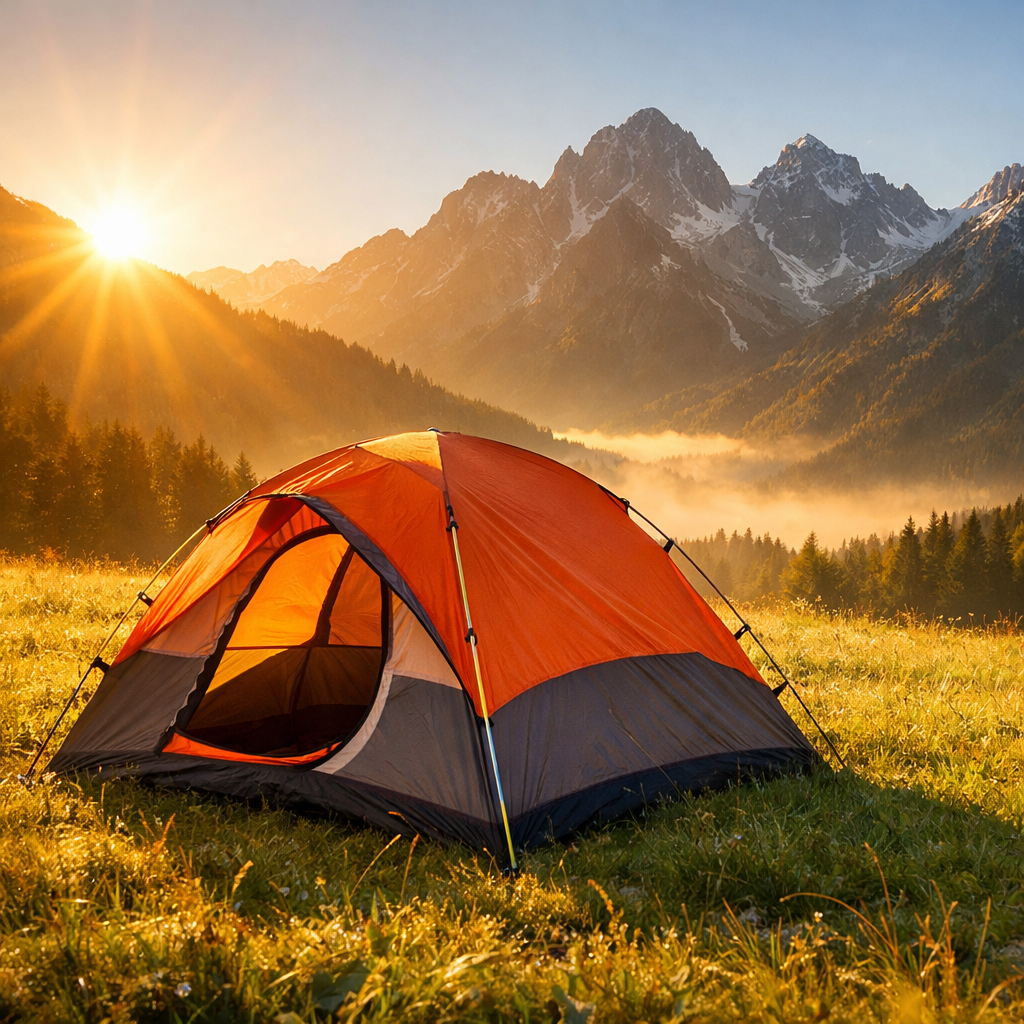
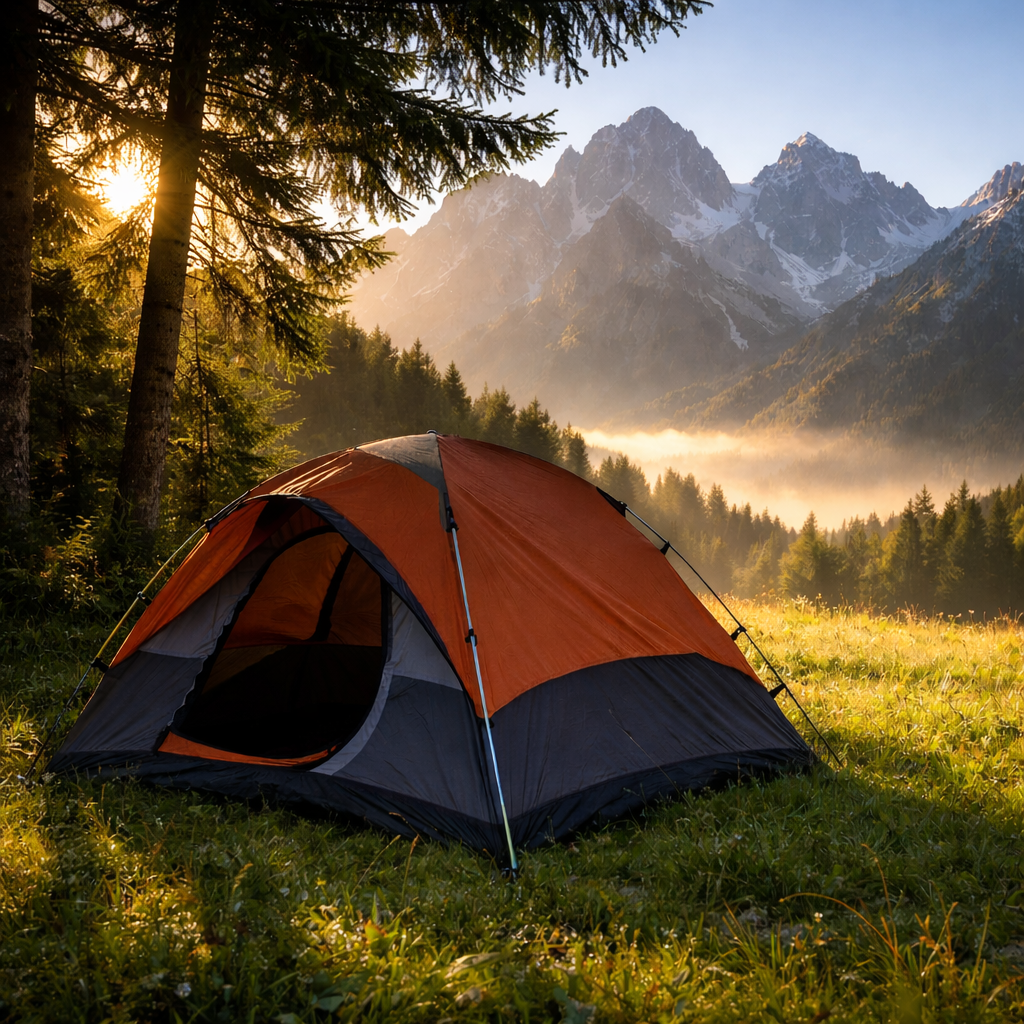
Tent pitched in direct sun, fully exposed Tent pitched in cool shade
Sun in the Face
Shaded Camp

How it works

  1. Find the route or campsite on the map
  2. See when the ridges block the sun
  3. Pitch on the side that suits you

Built for the job

AR Sun Tracker

At camp, hold up your iPhone to see where the sun will rise and set against the real skyline. The AR view and sun calculations work without a signal.

Plan natural light through windows, shade in your garden, or scout outdoor shots without leaving your couch.
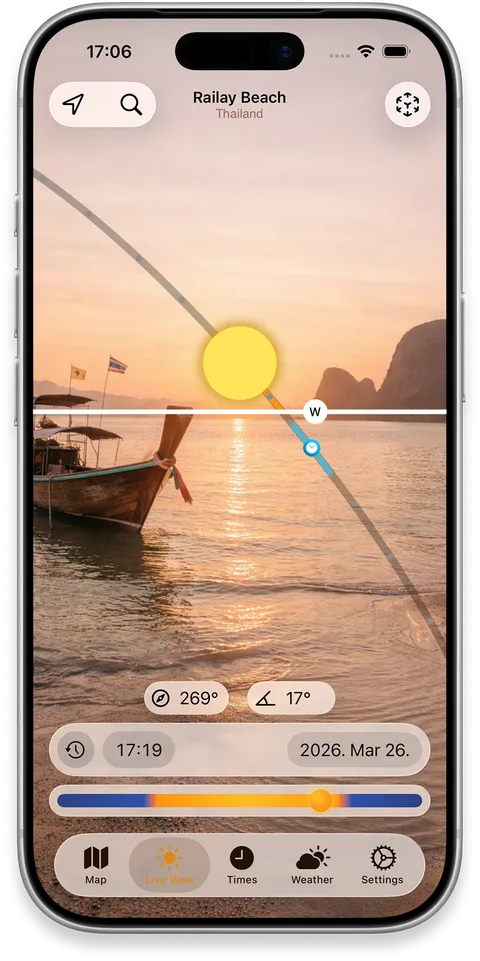
iPhone showing the sun path drawn over a real building in AR

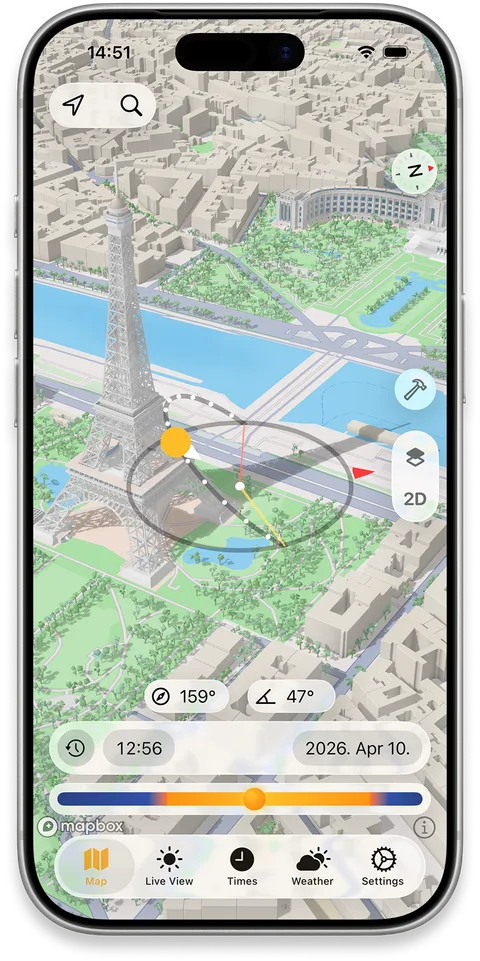
Realistic Shadow Mapping

Before you set off, check the campsite or trailhead on the 3D map at the times that matter: when the morning sun reaches it and when evening shade arrives. The map needs a data connection, so look before you lose signal.

Perfect for finding sunny spots, scouting locations, or figuring out which apartment gets light in winter.

iPhone map showing 3D building shadows across a city block

Cloud & Weather Forecast

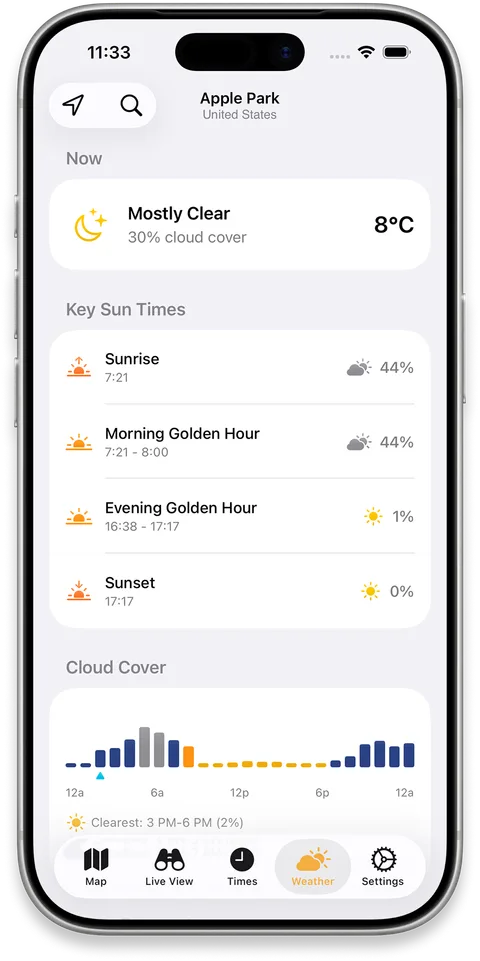
Hourly cloud cover next to sunrise and sunset times, so you can see whether a summit sunrise is worth the early start.

iPhone showing an hourly cloud cover forecast alongside sun position

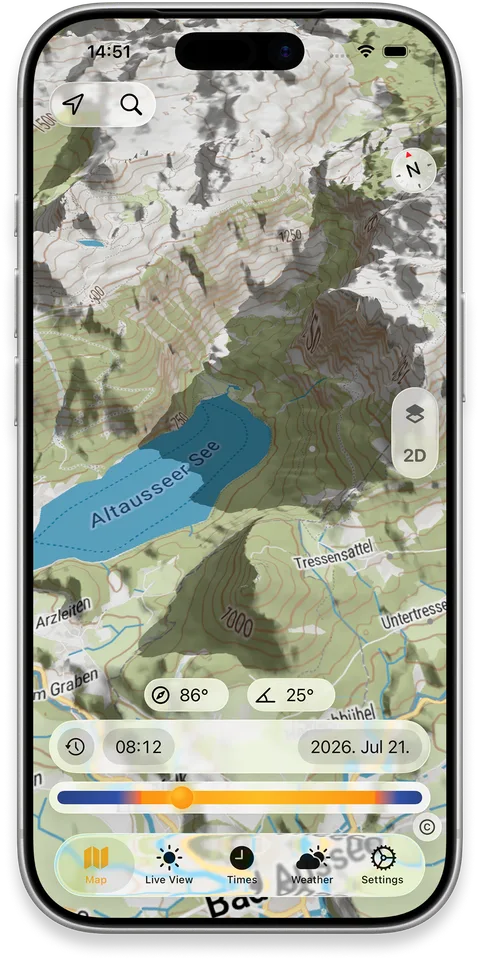
Terrain Shadows

See realistic 3D shadows cast by hills, ridges and valleys as the sun moves across the day — not just a static shaded-relief map.

Explore a future date and time to see when a valley falls into shade, when a ridge blocks a view, or which slope catches the first light.

iPhone map showing shadows cast by surrounding terrain

Solar Alarms

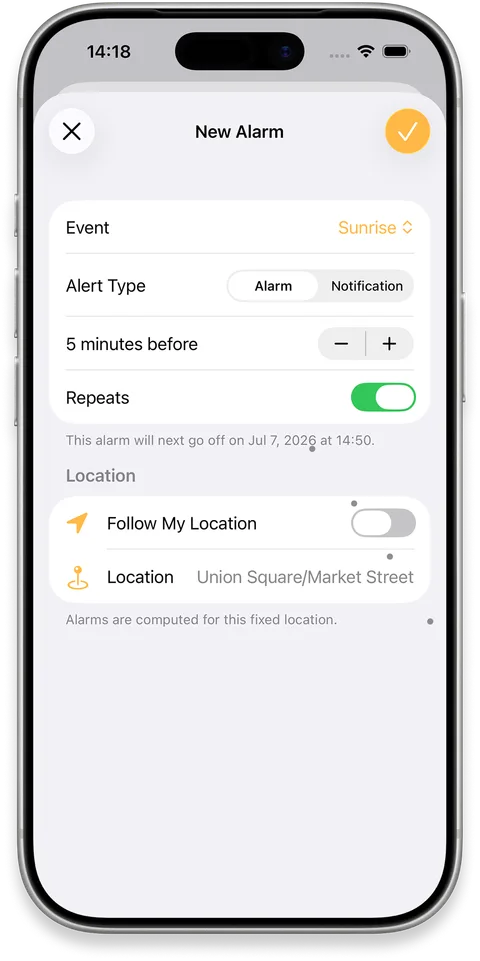
Set an alarm or notification for sunrise, sunset and other sun events, tailored to the moments you want to catch.

Get a prompt before the light changes so you can reach your viewpoint, set up your camera or simply step outside in time.

iPhone showing solar alarm settings for sun events
FAQ

Frequently asked questions

Does SunCast work without internet?
The AR view and all sun position calculations work fully offline. In practice the 3D map needs internet to load map data, and the cloud and weather forecast needs a connection to fetch the latest conditions.
What's the difference between civil, nautical, and astronomical twilight?
All three describe how far the sun is below the horizon after sunset or before sunrise. Civil twilight is the brightest — the sky is still lit enough for most outdoor activities without artificial light. Nautical twilight is dimmer, when the horizon is still visible at sea but artificial light is generally needed on land. Astronomical twilight is the darkest phase, ending when the sky is fully dark and stars are unaffected by sunlight. The Sun Timetable shows precise times for all three, for any location and date.
Can SunCast show where the sun will be on a future date?
Yes. Pick any date — past or future — and any location, and SunCast shows the full sun path, sunrise and sunset times, and shadow positions for that moment.
How accurate is the sun position?
SunCast uses precise astronomical calculations — accurate enough for professional photography, architecture, and location scouting. The sun moves gradually enough that results stay consistent across an entire neighborhood.

Stop guessing the light.

Download on the App Store