FAQ
Frequently asked questions
Getting Started
What is SunCast?
SunCast is a sun tracking app for iPhone and iPad. See where the sun will be three ways: live in AR by pointing your phone at the sky, on a 3D shadow map of any place in the world, and in a detailed timetable of sun times and position data — including azimuth, elevation, shadow ratio, golden hour, and every twilight phase.
How do I get started?
Download SunCast from the App Store and grant location access. For the AR view, you'll also need camera access — then just point your phone at the sky to see the sun's path overlaid on your real surroundings. Use the 3D map to plan from anywhere in the world, or the timetable for detailed sun times and position data.
What devices does SunCast support?
SunCast runs on iPhone and iPad.
Does SunCast work without internet?
The AR view and all sun position calculations work fully offline. In practice the 3D map needs internet to load map data, and the cloud and weather forecast needs a connection to fetch the latest conditions.
Features
What does the AR sun tracker show me?
Hold your iPhone up and SunCast overlays the sun's path on your real surroundings — where the sun is now, where it will be later, and where it rises and sets. Works for any time and any date.
Can SunCast show where the sun will be on a future date?
Yes. Pick any date — past or future — and any location, and SunCast shows the full sun path, sunrise and sunset times, and shadow positions for that moment.
Can I see building shadows?
Yes. Visualize Shadows shows realistic 3D shadows from buildings and terrain at any time of day or season. Construction Mode lets you preview how a planned building will change light and shadow on neighboring streets.
Can I see the sun's path for different seasons?
Yes. SunCast can overlay the summer and winter solstice sun paths on both the map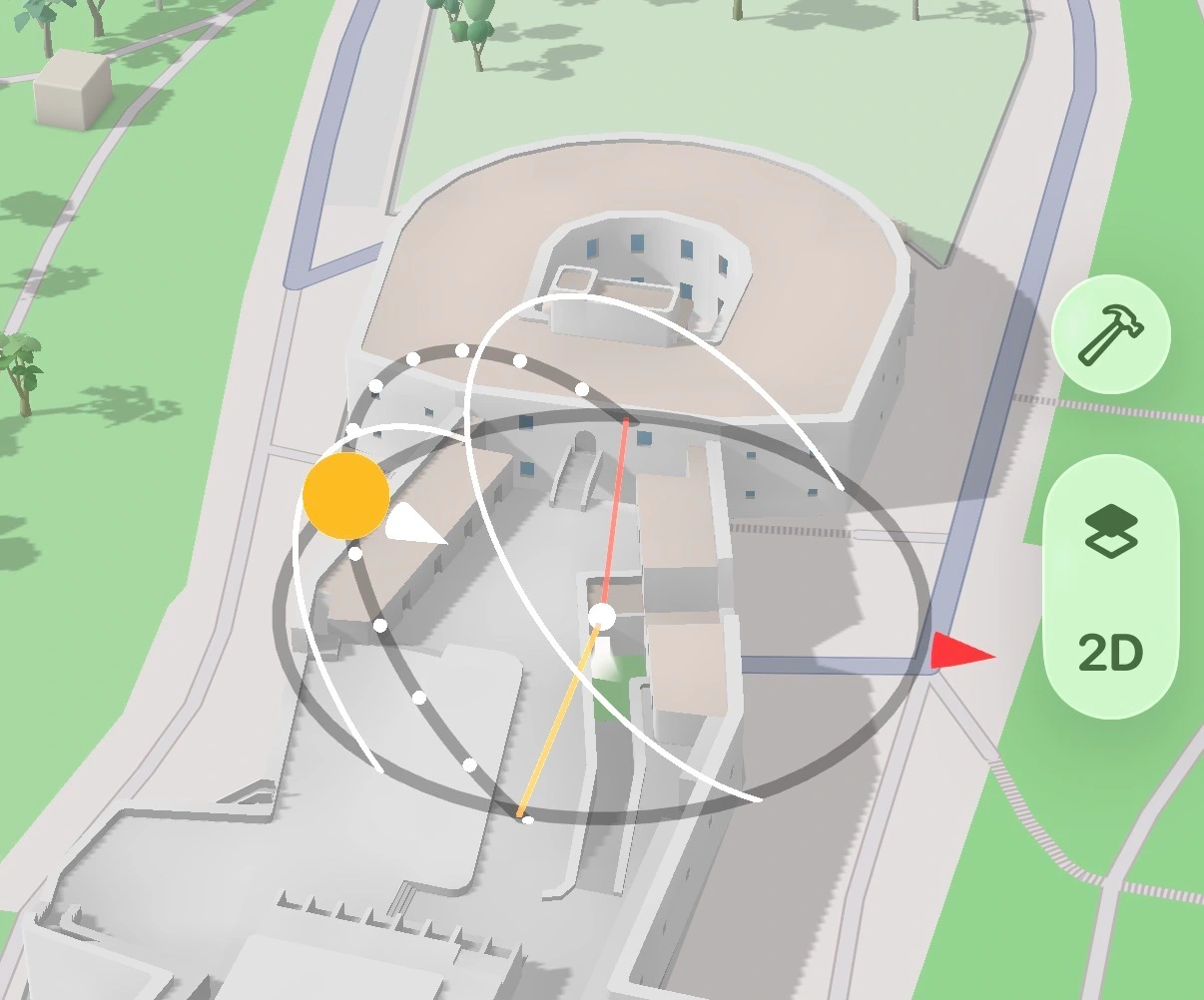 and in AR
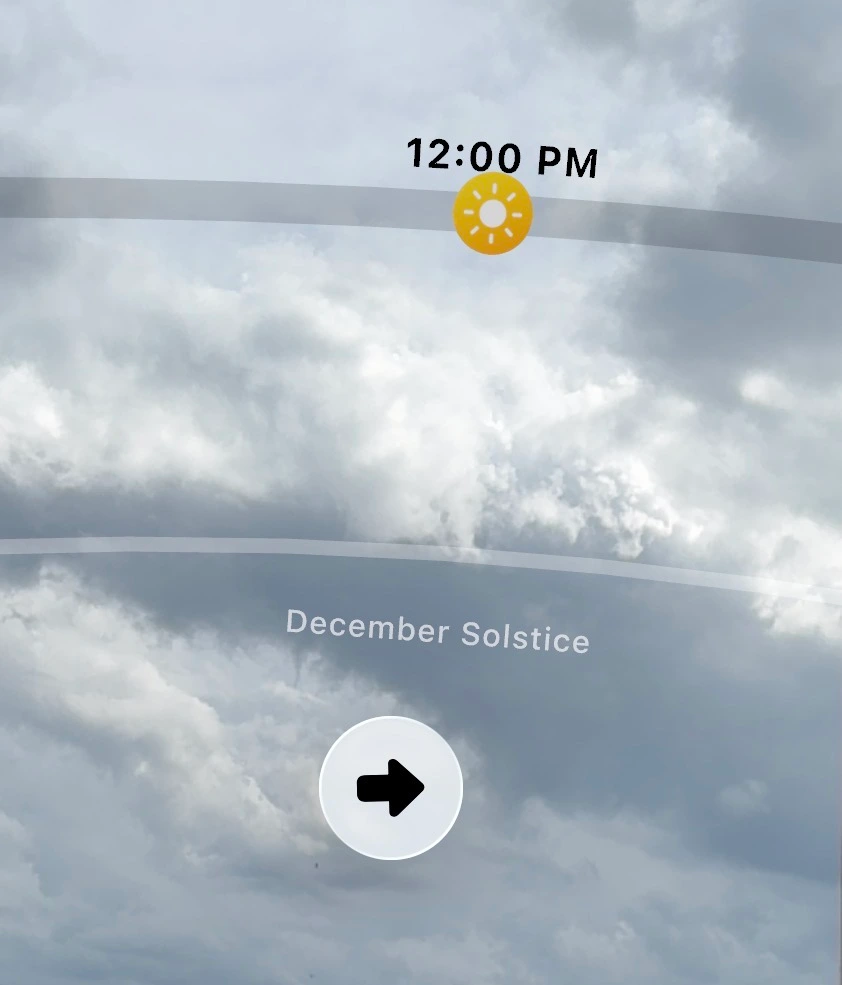 — useful for understanding how light changes across seasons at any location. Enable them separately using the Solstice path toggles in Settings.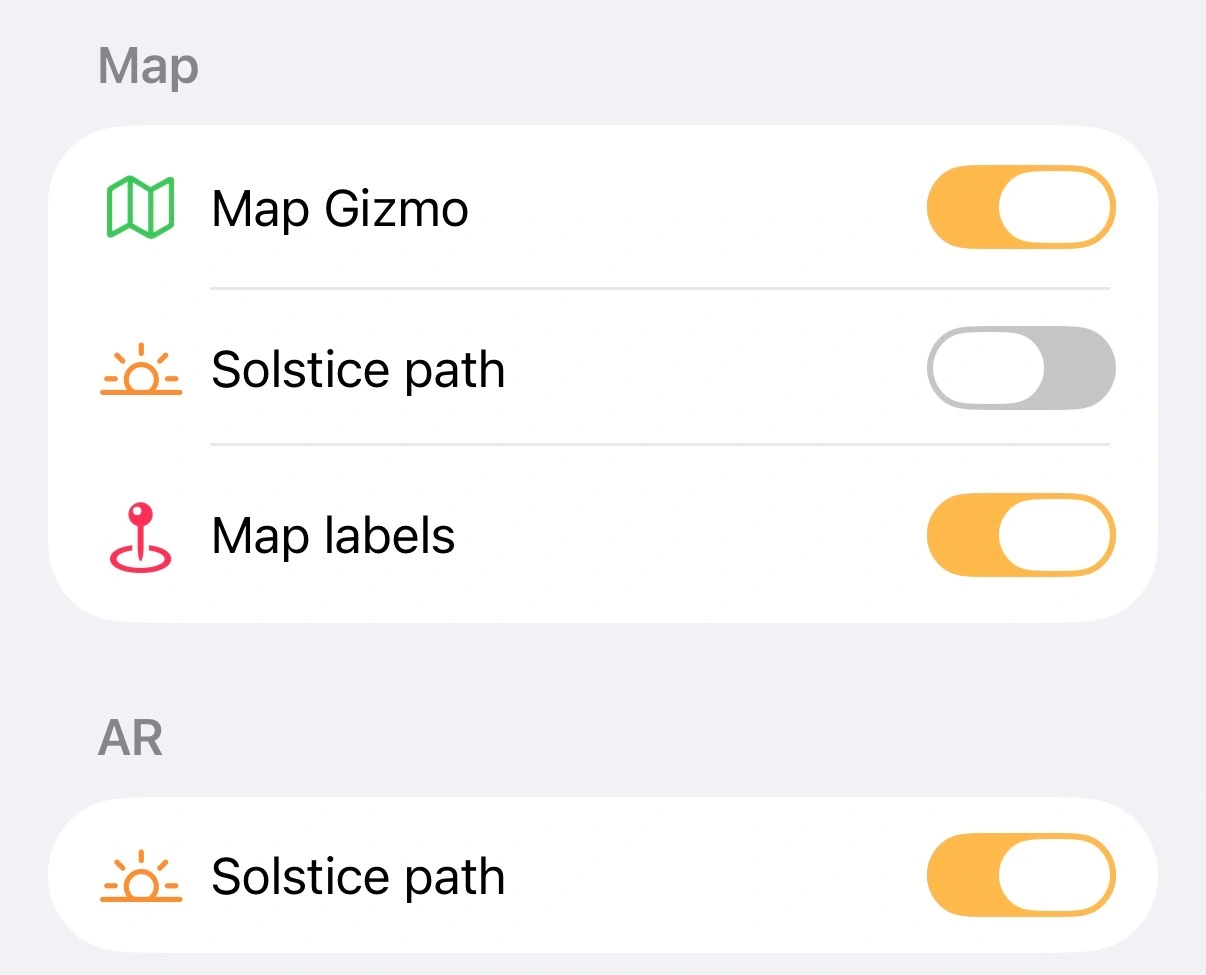
and in AR — useful for understanding how light changes across seasons at any location. Enable them separately using the Solstice path toggles in Settings.What is Construction Mode?
Construction Mode lets you place a virtual building anywhere on the map and preview how its shadows fall on surrounding streets and properties — at any time of day or season. Tap the hammer button  to activate it. Use the Building Properties panel to set the width, depth, height, and rotation.
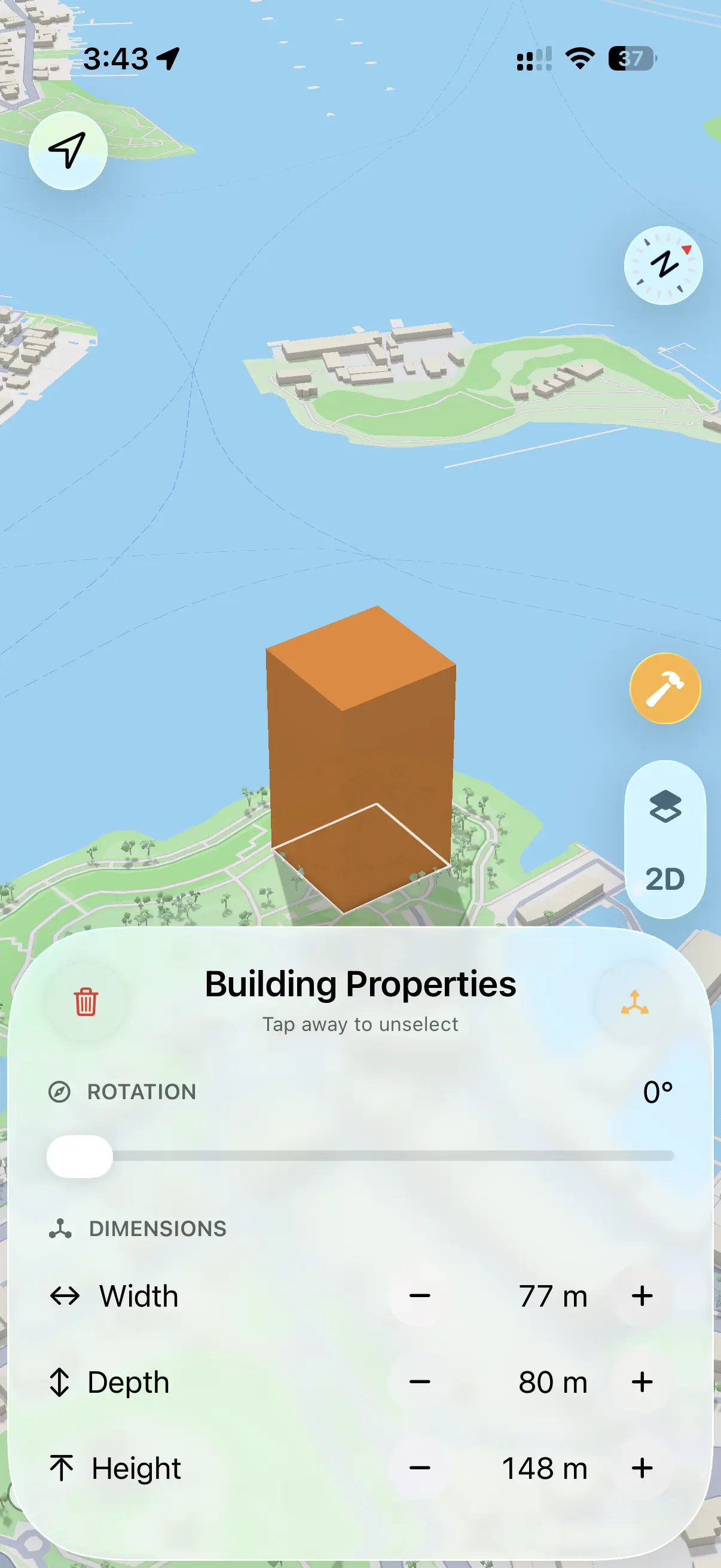 Tap the move icon to drag the building to any position on the map.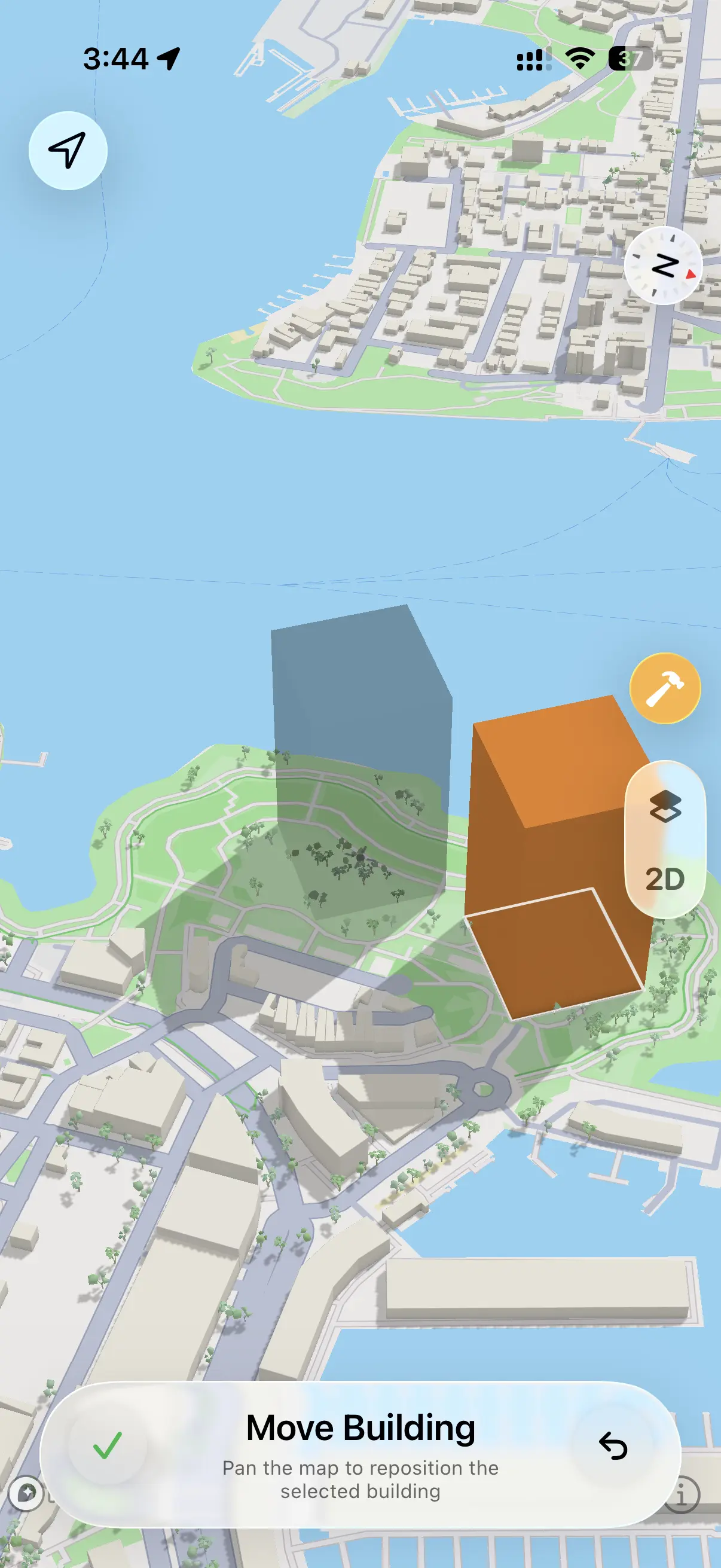
to activate it. Use the Building Properties panel to set the width, depth, height, and rotation. Tap the move icon to drag the building to any position on the map.Does SunCast have Home Screen widgets?
Yes — SunCast includes two widgets. The Sun Status widget shows where the sun currently sits on its sunrise-to-sunset arc, along with shadow ratio, azimuth, and altitude at a glance. The Upcoming Events widget shows the next solar events — golden hour, blue hour, sunset, and more — so you always know what's coming without opening the app.
Can I use SunCast for solar panel planning?
Yes. Solar Info lets you select a mapped building to see its roof solar potential, panel capacity, annual sunshine, and estimated energy output. The 3D shadow map adds context for how sun and shade move across the site, but final system design and permitting still need solar-specific professional review.
Can I check sunlight in an apartment before renting?
Yes. Stand in the apartment, point your iPhone, and see the sun's path for summer and winter. Find out if it gets morning sun, afternoon light, or stays in shadow most of the day.
Sun Times & Position
How accurate is the sun position?
SunCast uses precise astronomical calculations — accurate enough for professional photography, architecture, and location scouting. The sun moves gradually enough that results stay consistent across an entire neighborhood.
Does it support golden hour and blue hour times?
Yes. The Sun Timetable shows precise times for any location and any date — sunrise, sunset, solar noon, golden hour, blue hour, dusk, dawn, and civil, nautical, and astronomical twilight.
What are azimuth and altitude?
Azimuth is the sun's compass direction, measured in degrees clockwise from north — so due east is 90°, south is 180°, west is 270°. Altitude is the sun's angle above the horizon — 0° means it's right at the horizon, 90° means directly overhead. SunCast shows both in real time in the timetable and AR view.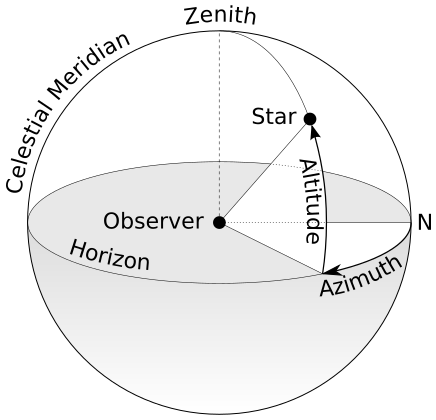 Diagram by TWCarlson, CC BY-SA 3.0
Diagram by TWCarlson, CC BY-SA 3.0What's the difference between civil, nautical, and astronomical twilight?
All three describe how far the sun is below the horizon after sunset or before sunrise. Civil twilight is the brightest — the sky is still lit enough for most outdoor activities without artificial light. Nautical twilight is dimmer, when the horizon is still visible at sea but artificial light is generally needed on land. Astronomical twilight is the darkest phase, ending when the sky is fully dark and stars are unaffected by sunlight. The Sun Timetable shows precise times for all three, for any location and date.
How to Use
How do I change the time or date?
Tap the time or date pill to jump to a specific moment, or drag the sun along the bar to scrub through the day.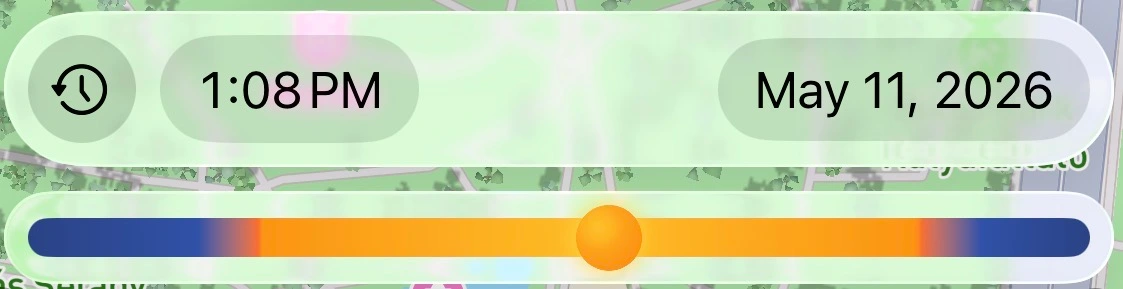 The clock icon resets back to now.
The clock icon resets back to now.How do I change the location?
Tap the search icon  to find any place in the world by name.
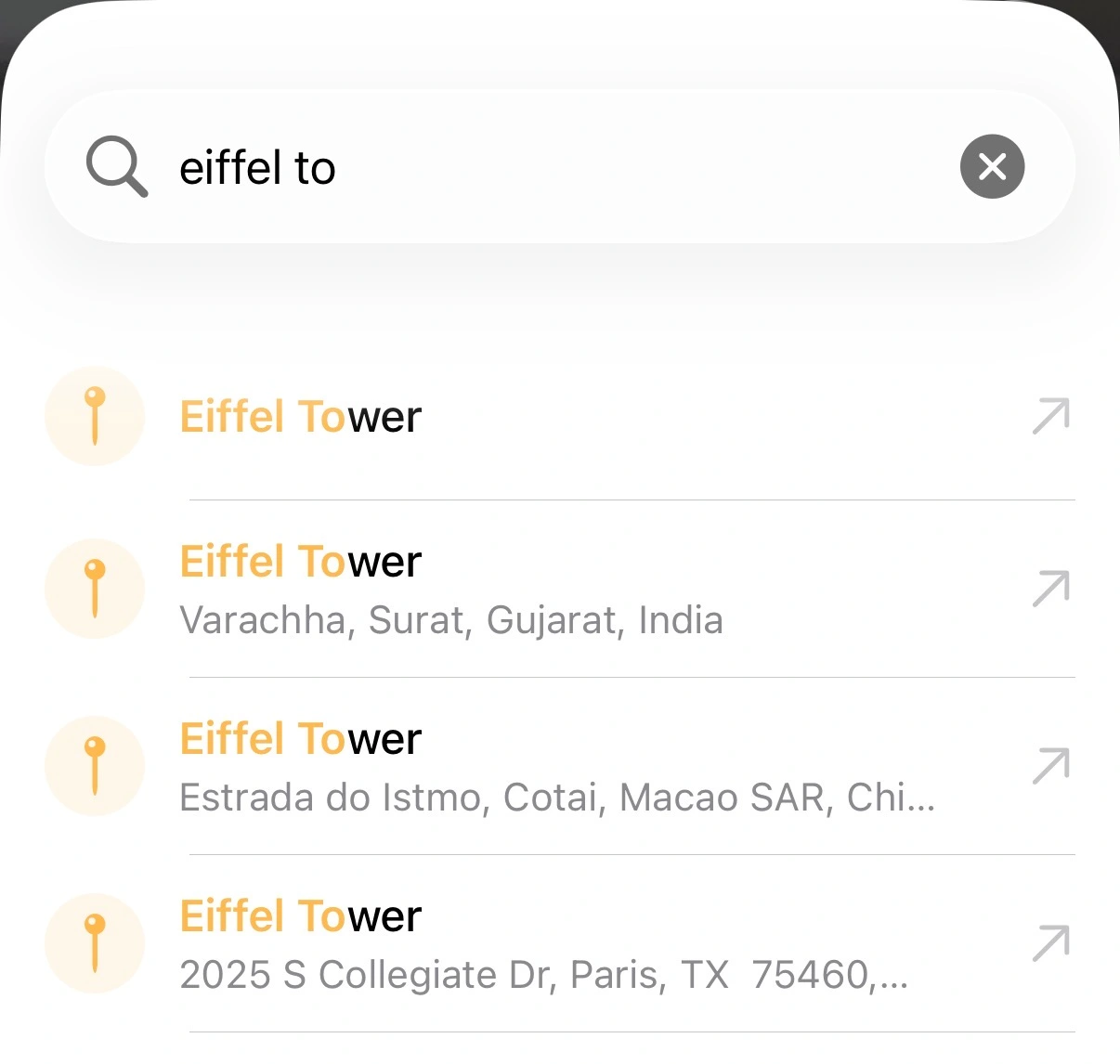 The navigate icon snaps back to your current location.
to find any place in the world by name. The navigate icon snaps back to your current location.Can I change the map style?
Yes. Tap the layers button  on the map to open the style sheet. Choose from Street, Satellite, Building Shadows, or Terrain Shadows.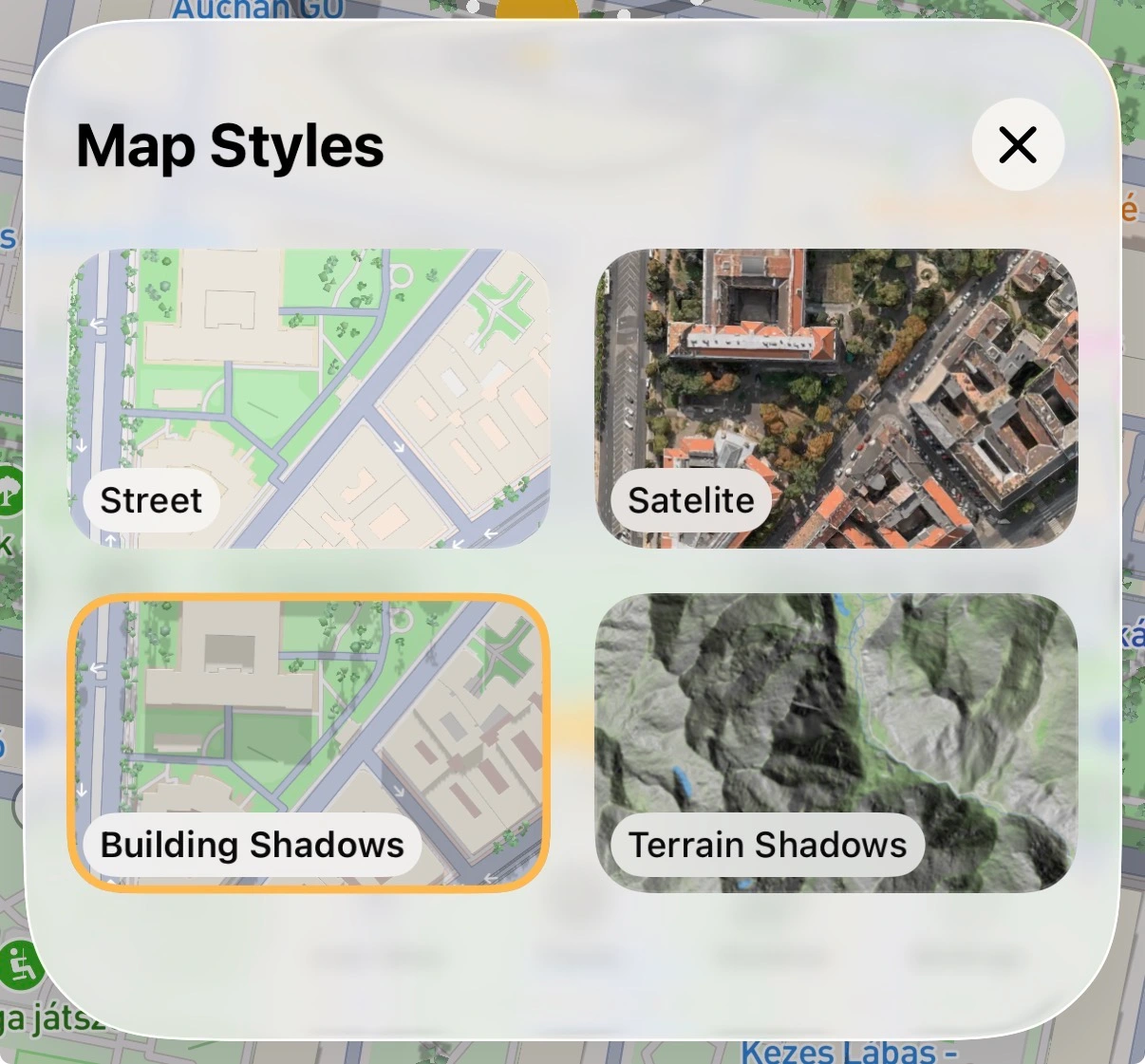
on the map to open the style sheet. Choose from Street, Satellite, Building Shadows, or Terrain Shadows.Can I turn map labels on or off?
Yes. Open Settings and toggle Map labels in the Map section.
How do I use the compass view?
In the live view, tap the button in the top right corner to switch between AR mode and compass mode. Compass mode shows the sun's direction as a traditional compass bearing — useful when you want sun direction without pointing your camera at the sky.
Why is my compass inaccurate?
Magnetic interference is the most common cause — phone cases with magnets, nearby electronics, or metal surfaces can all affect it. Remove any magnetic case and move away from interference sources. To recalibrate, open the Settings app and go to Privacy & Security > Location Services > System Services and make sure Compass Calibration is enabled, then wave your phone in a figure-8 motion until the compass settles.
Does the AR view work indoors?
The AR sun tracker is designed for outdoor use. It uses your camera and compass to overlay the sun's path on your real surroundings, so it works best with a clear view of the sky. Indoors, magnetic interference from building materials and electronics can affect compass accuracy and make the AR overlay less reliable.
Pricing & Subscriptions
Is SunCast free?
Yes — SunCast is free to download and use. A Pro subscription unlocks advanced features including Construction Mode — place a building block anywhere on the map and see how its shadows would fall on surrounding streets and properties — full time travel to check sun and shadows for any past or future date, and worldwide location search.
Is there a free trial?
Yes. Choose the annual Pro plan and you get a 7-day free trial — cancel anytime during the trial at no charge.
Can I use SunCast on multiple devices?
Yes. SunCast and any Pro subscription are tied to your Apple ID. Sign in with the same account on any of your iPhones or iPads and tap Restore Purchases to unlock Pro features on each device.
I bought Pro but my features are locked — how do I restore my purchase?
Open SunCast and go to the subscription screen. Look for the Already subscribed? section — it appears at the top of the paywall if you are not eligible for a trial, or scroll down slightly if you are. Tap the Restore button next to it. Make sure you are signed in to the same Apple ID you used when you originally subscribed.
— it appears at the top of the paywall if you are not eligible for a trial, or scroll down slightly if you are. Tap the Restore button next to it. Make sure you are signed in to the same Apple ID you used when you originally subscribed.How do I cancel my subscription?
Subscriptions are managed by Apple. Open the Settings app on your iPhone or iPad, tap your name at the top, then Subscriptions. Find SunCast and tap Cancel Subscription. Your Pro access continues until the end of the current billing period. See also: this Apple support article.
How do I request a refund?
Refunds are handled by Apple. Request a refund on Apple's website — sign in with your Apple ID, find your SunCast purchase, and follow the on-screen instructions. You can also read more in Apple's refund support article.
Privacy & Permissions
Does SunCast collect my data?
SunCast only collects anonymous usage data and anonymous purchase data to manage subscriptions. No personal info, no third-party tracking.
What permissions does SunCast need?
SunCast needs Location access to calculate sun position for where you are, and Camera access to power the AR view. Both can be set to "While Using the App" — SunCast never accesses either in the background.
Last updated: July 14, 2026
Markdown version