See the shadow before you build.
Explore the sunlight trade-offs of an extension, a taller building or a different orientation. Use SunCast Construction Mode to place simple 3D building volumes and compare their shadows across the year.
Last updated: September 22, 2026



4.8 · US App Store
How it works
- Place the proposed building
- Adjust its size and orientation
- Compare shadows across the seasons
Make sunlight part of the first sketch.
A footprint on a plan cannot show how a shadow moves through a garden. SunCast gives early design conversations a visual starting point, so you can explore alternatives before commissioning detailed analysis.
Explore an extension
Represent a proposed extension with a 3D block and adjust its width, depth and height. Compare the shadow at the times the adjoining terrace or garden is used.
Compare design options
Change a volume’s height, position or rotation and inspect the resulting shadow. Keep the date and time the same between options so the comparison reflects the design change.
Look beyond summer
Compare winter and summer sun paths before relying on a sunny site visit. Use the map for surrounding context and AR on site to relate sun direction to existing buildings and openings.
Construction Mode uses simplified volumes and available map geometry. It supports preliminary visual planning, not certified daylight analysis, rights-to-light assessment or planning-permission evidence.
Built for the job
Building Shadow Simulator
Place and save multiple 3D blocks, then adjust their width, depth, height and rotation to explore proposed building shadows.

Realistic Shadow Mapping
Inspect how mapped neighbouring buildings and terrain affect the site. Check model coverage and dimensions before drawing conclusions.

AR Sun Tracker
Relate seasonal sun paths to the real site during a visit. Check the direction of sunlight at a terrace, façade or proposed opening.

Frequently asked questions
Can I see building shadows?
Can I see the sun's path for different seasons?
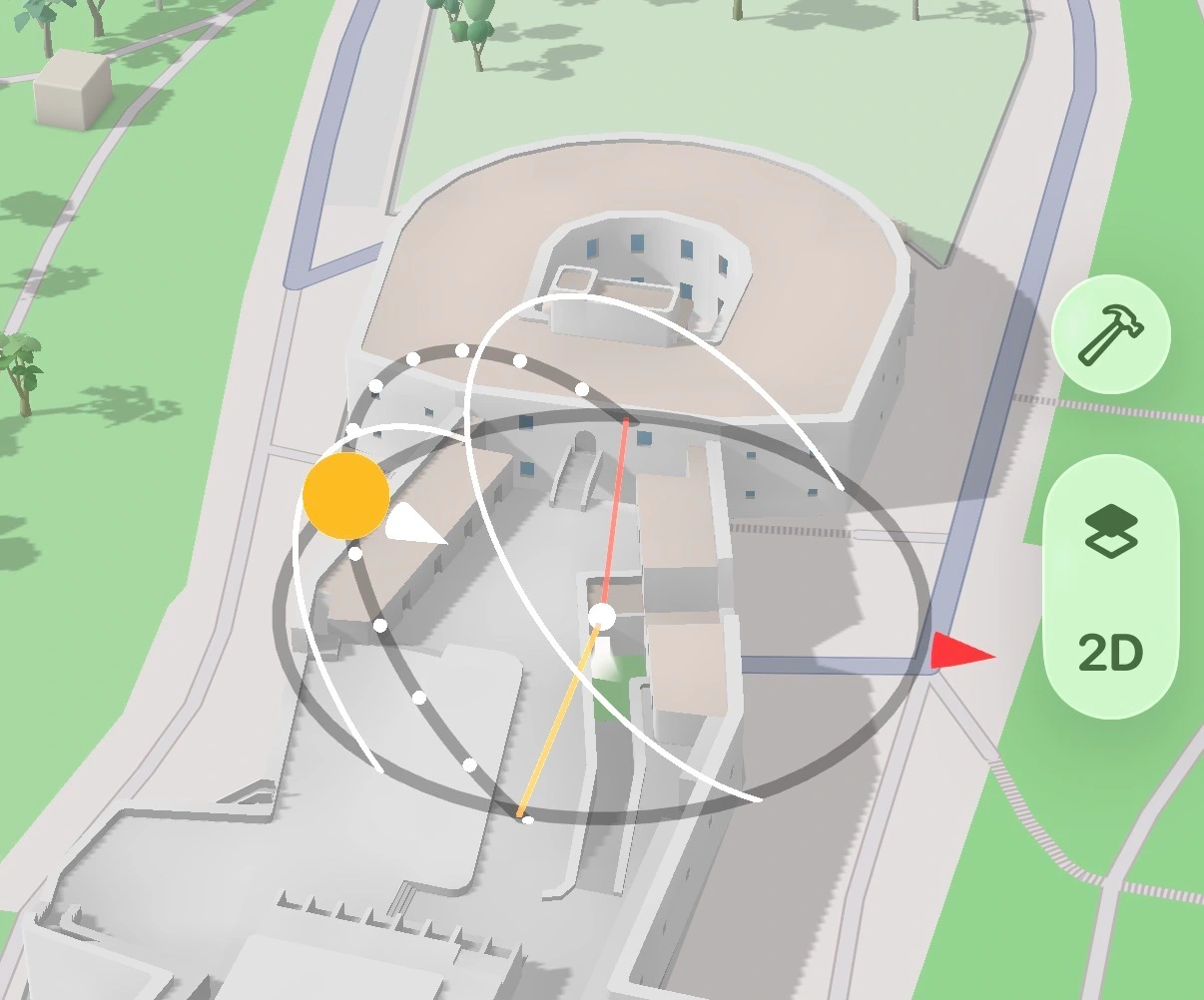 and in AR
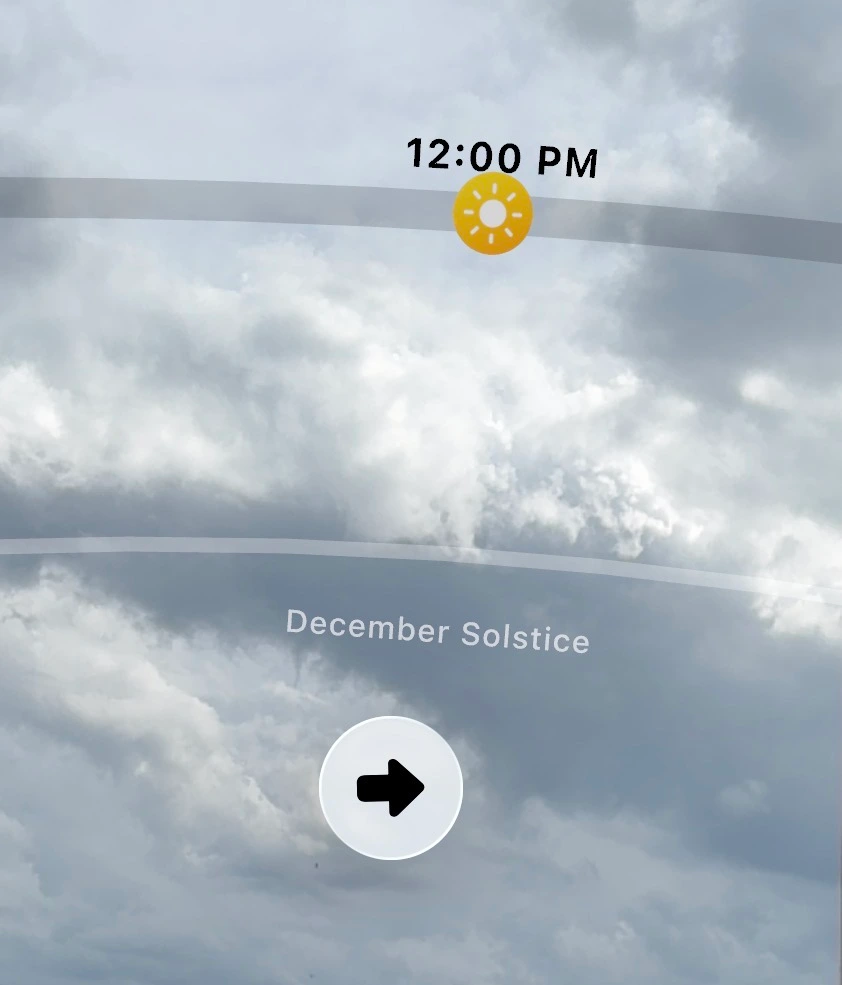 — useful for understanding how light changes across seasons at any location. Enable them separately using the Solstice path toggles in Settings.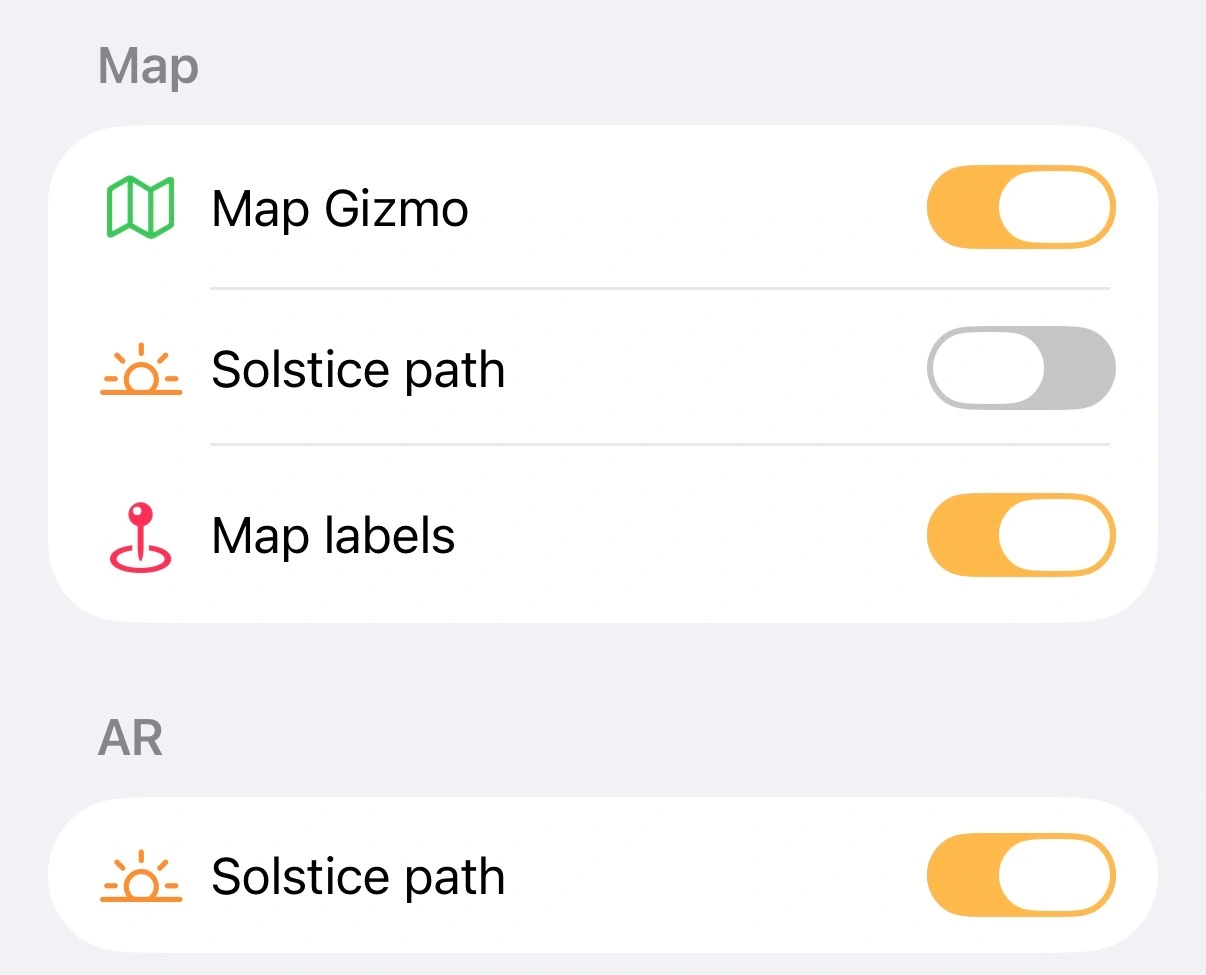
How accurate is the sun position?
Stop guessing the light.