Official press kit
SunCast
See where the sun will be, wherever you are planning.
4.8star
US App Store rating
152 ratings
4.7star
Global App Store rating
319 ratings
Free
Download
Optional Pro subscription
1.8.8
Current version
2026-09-21
Ratings checked 2026-10-14.
At a glance
Fact sheet
- Developer
- Peter Szucs
- Category
- Photo & Video
- Price
- Free download with optional Pro subscription
- Platforms
- iPhone and iPad
- Minimum OS
- iOS 18.6 / iPadOS 18.6
- Current version
- 1.8.8 (2026-09-21)
- Launch date
- 2026-01-26
- Website
- suncastapp.com
- App Store
- View SunCast on the App Store
For publication
Ready-to-use descriptions
SunCast helps people see where the sun will be and how shadows will move. On iPhone and iPad, it combines an augmented reality sun path, 3D building and terrain shadows, and sun times. Photographers, home buyers, gardeners and planners can check light at a place and date before making plans.
50 words
SunCast is a sunlight planning app for iPhone and iPad. It shows the sun’s path in augmented reality and maps shadows from buildings and terrain in 3D. Users can explore sunrise, sunset, golden hour, blue hour and twilight for a place and date. Construction mode previews the shadows of proposed buildings, while Street View helps scout a location. Solar Info adds roof solar potential for mapped buildings. SunCast is designed for decisions shaped by light, from planning a photograph or garden bed to viewing a home or assessing a building site. It is free to download, with optional Pro features.
100 words
SunCast helps people plan around real sunlight. The iPhone and iPad app answers questions: When will a room catch the afternoon sun? Where will a tree cast shade at dinner time? What will the light look like for a photograph next month? Users can choose a place and date, then explore the sun’s position and the light across the day.
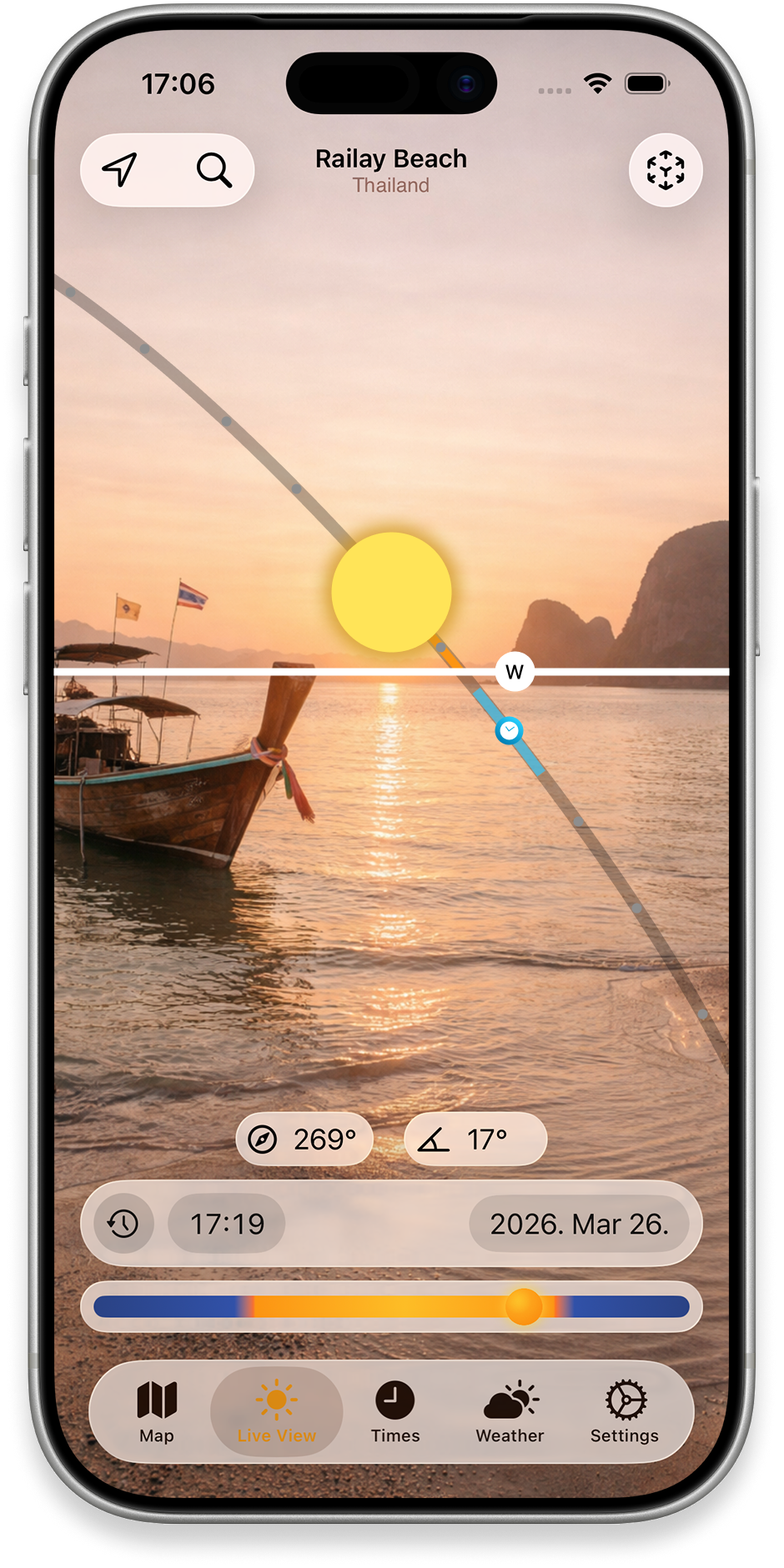
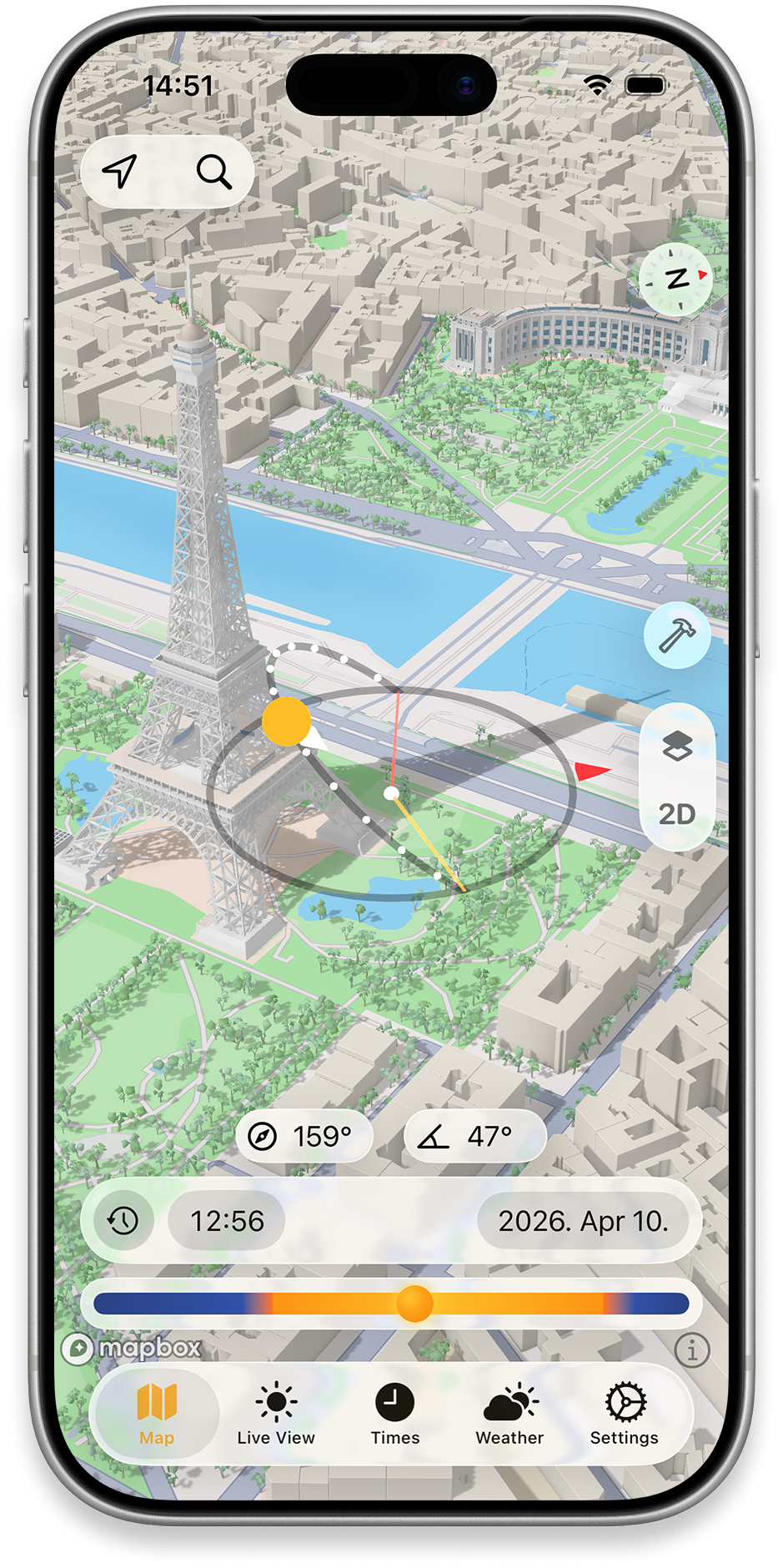
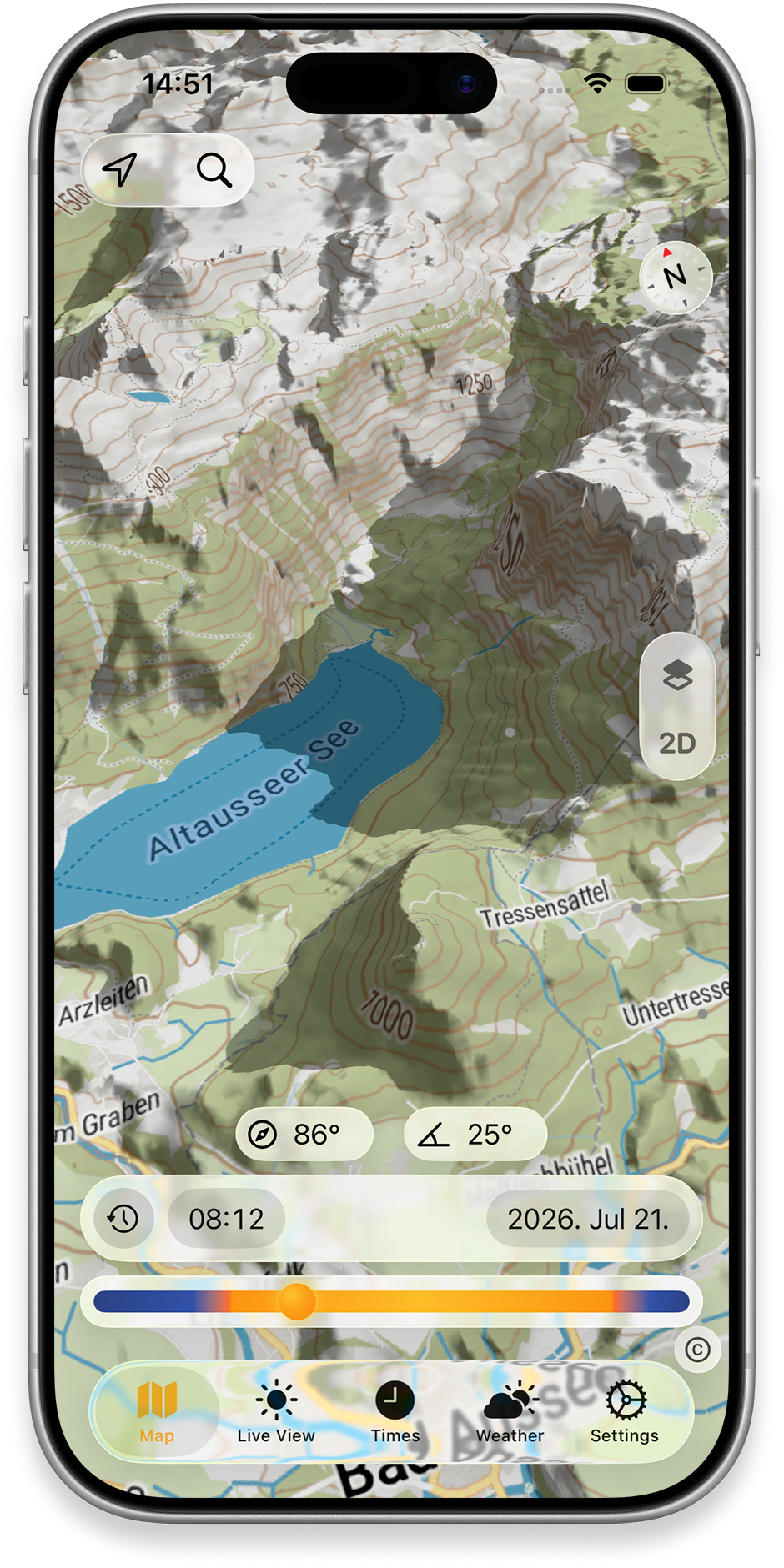
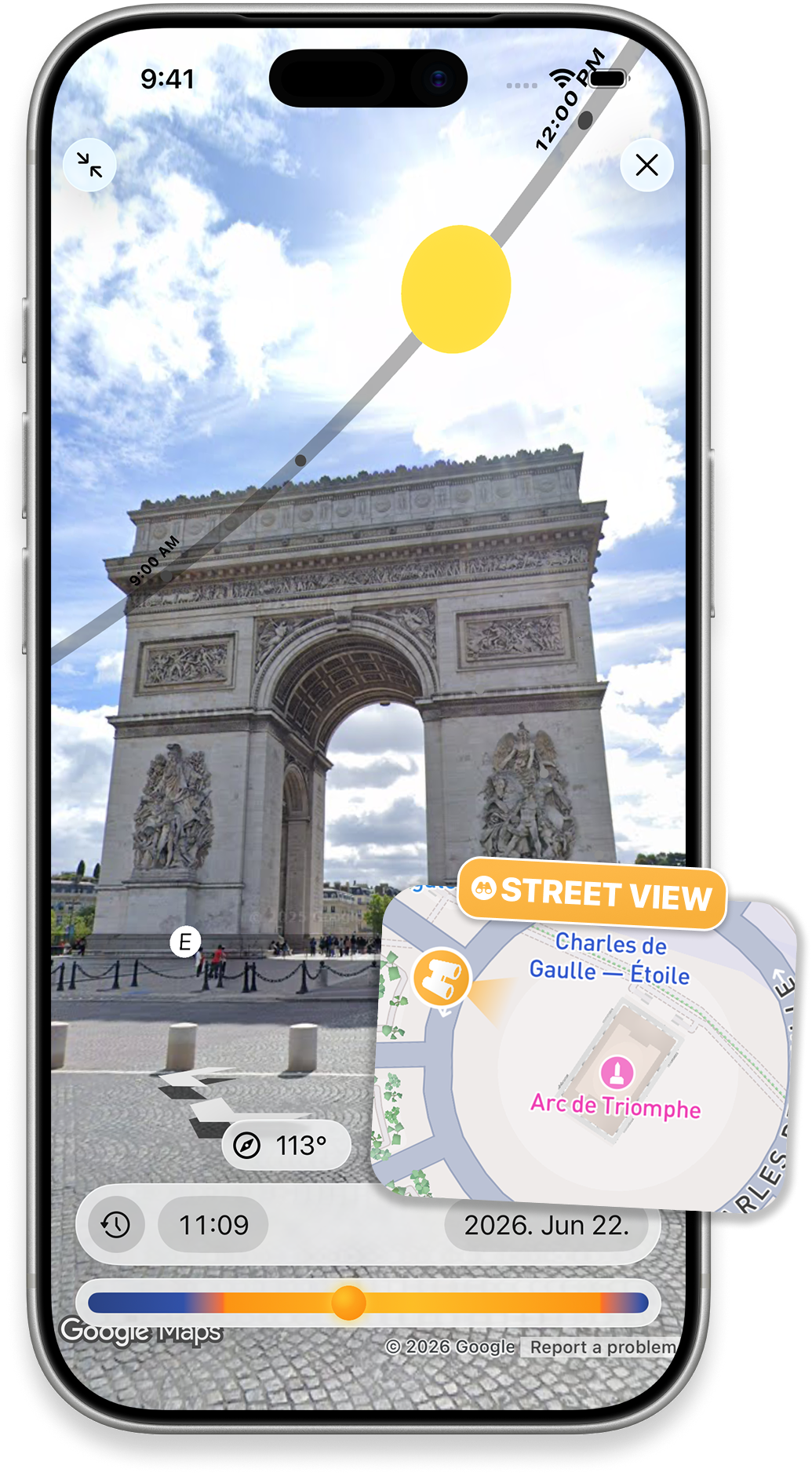
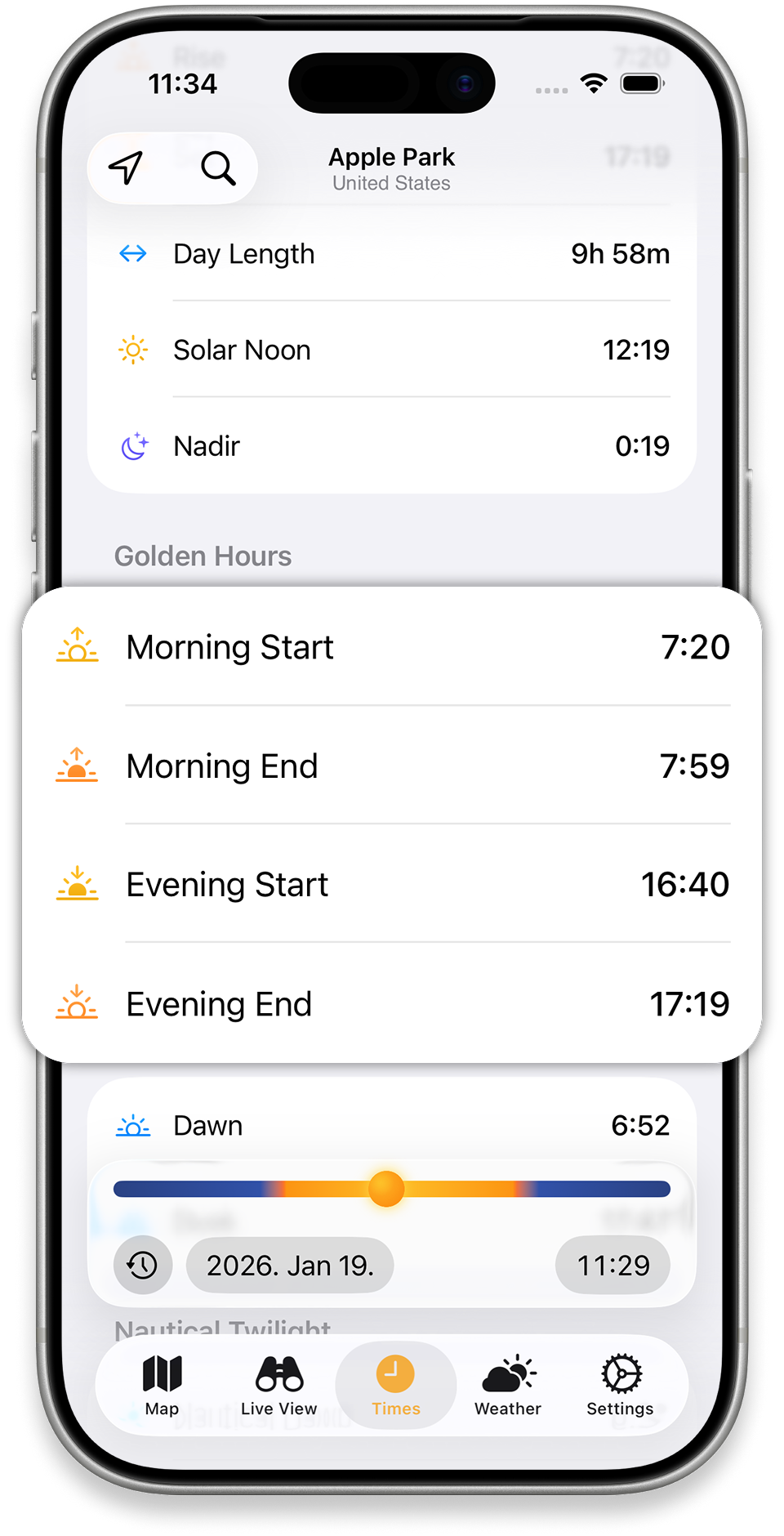
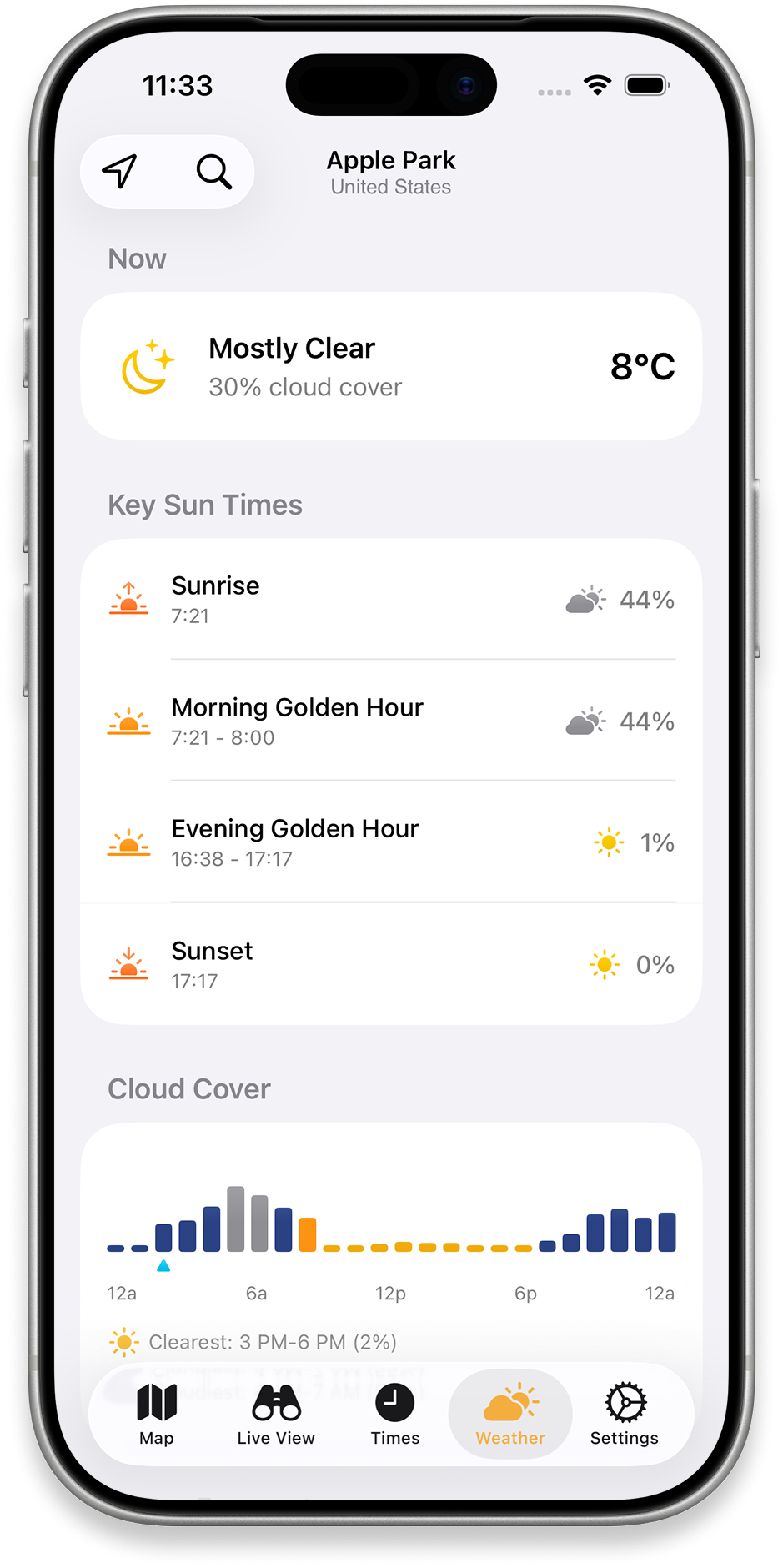
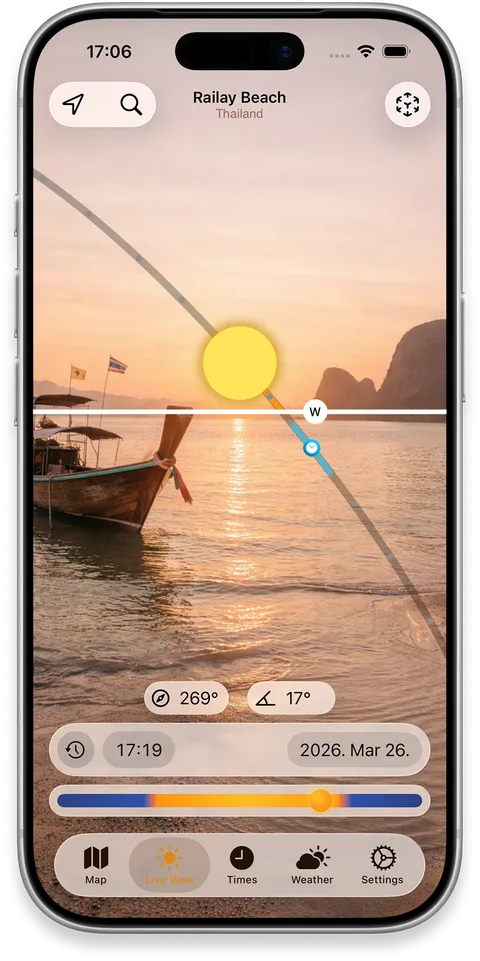
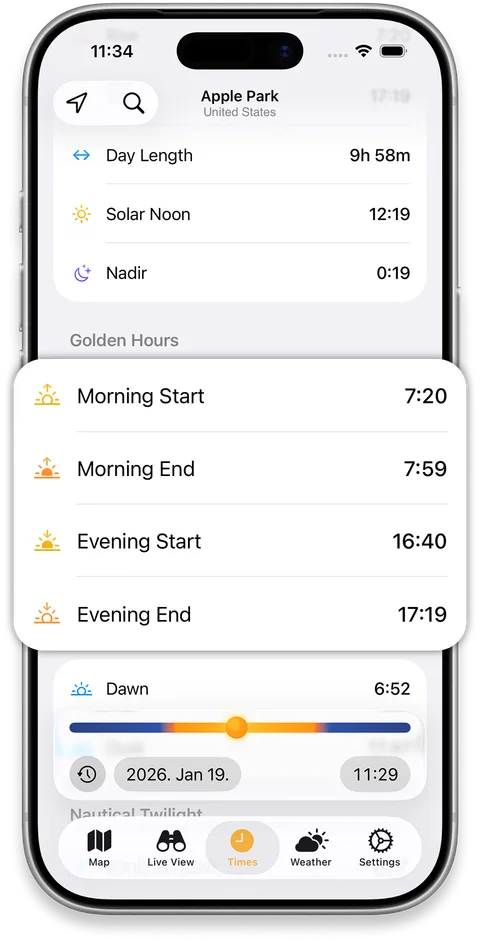
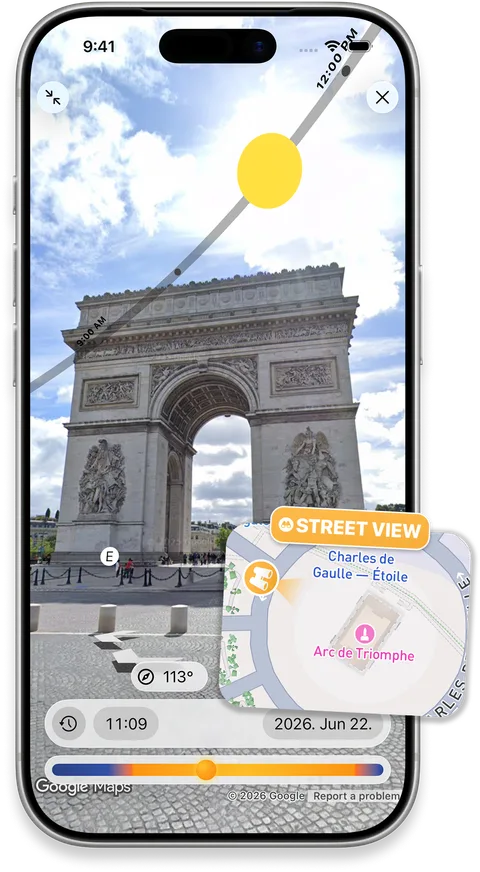
A live augmented reality view overlays the sun’s path on the camera image. A 3D map shows shadows from buildings and terrain, making it easier to understand how a street, garden or landscape changes with the hour and season. The timetable covers sunrise, sunset, golden hour, blue hour and twilight, alongside the sun’s direction and elevation. Street View lets people inspect a distant location before they visit. Weather and cloud information adds context when planning an outdoor session.
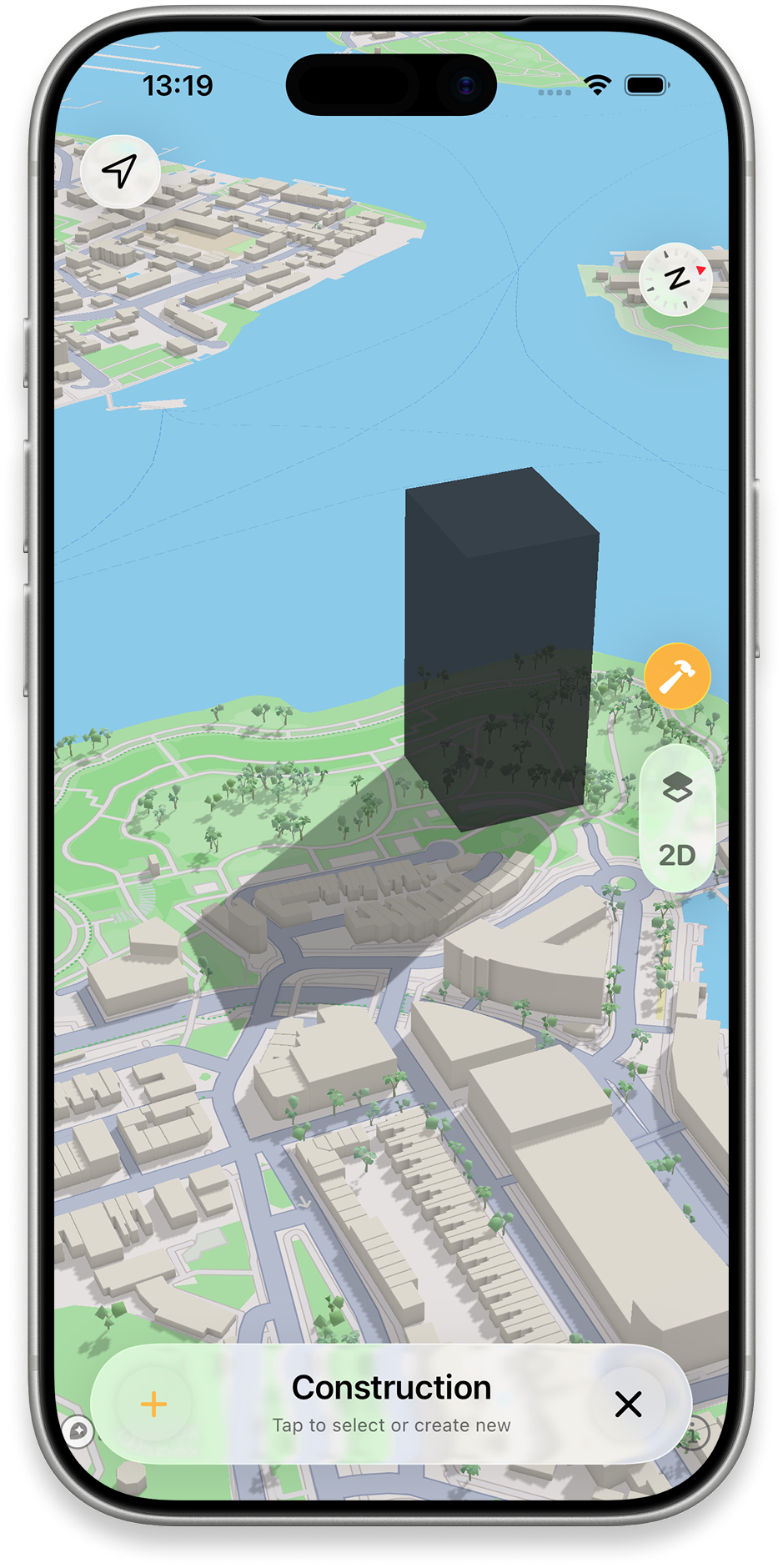
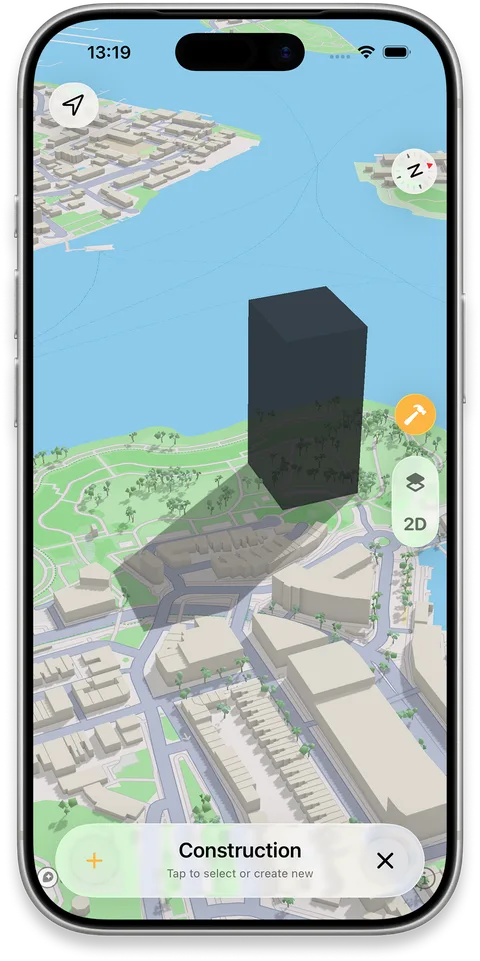
For projects that have yet to be built, Construction mode lets users place virtual buildings on the map and preview the shadows they would create. Solar Info offers mapped building roof estimates, including potential panel capacity and annual sunshine. These tools support planning for homes, gardens, photography, architecture and solar projects. They are intended as a visual planning aid, rather than a substitute for a formal site survey or engineering assessment.
SunCast was created by independent developer Peter Szucs in Hungary. It is available for iPhone and iPad as a free download with optional Pro features. Journalists and creators can use the press kit for product details, app imagery and contact information.
250 words
Brand
App icon
The product
Key features
AR sun path
See the sun’s route overlaid on your surroundings through the camera.
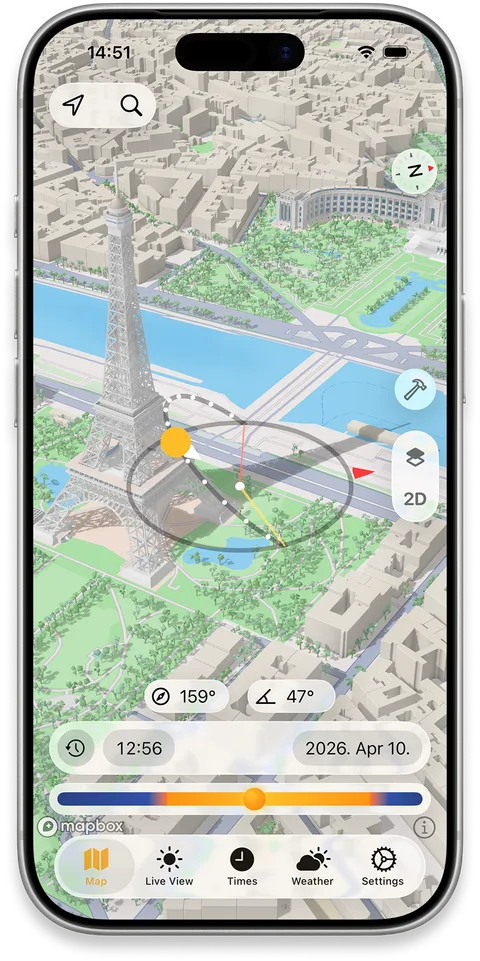
3D shadow map
Explore building and terrain shadows by place, date and time.
Construction mode
Place virtual buildings to preview their effect on nearby light.
Sun times
Check sunrise, sunset, golden hour, blue hour and twilight.
Street View planning
Inspect the sun path at a distant location before visiting.
Solar Info
View mapped roof solar potential and estimated output for a building.
Media library
Screenshots
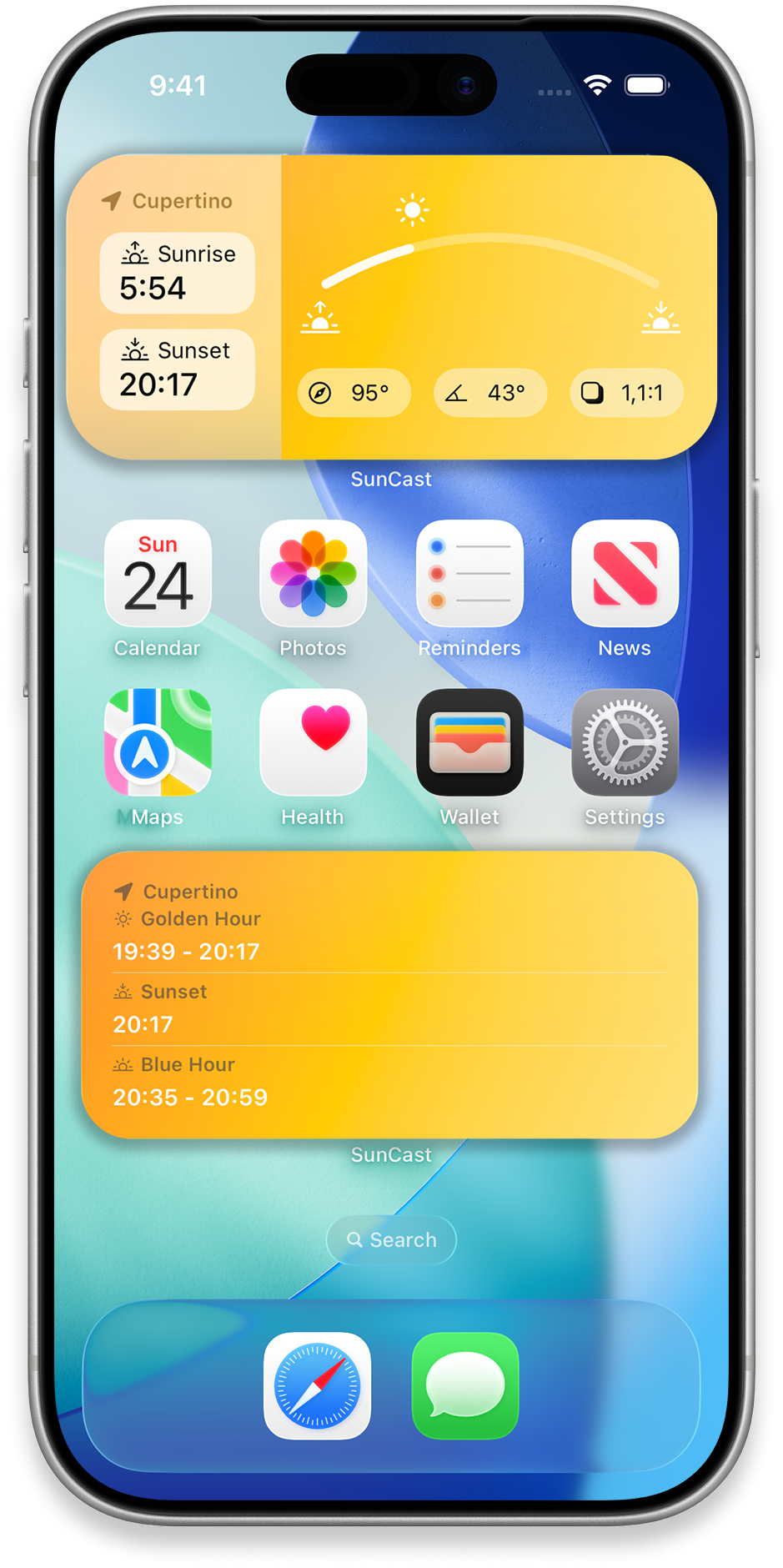
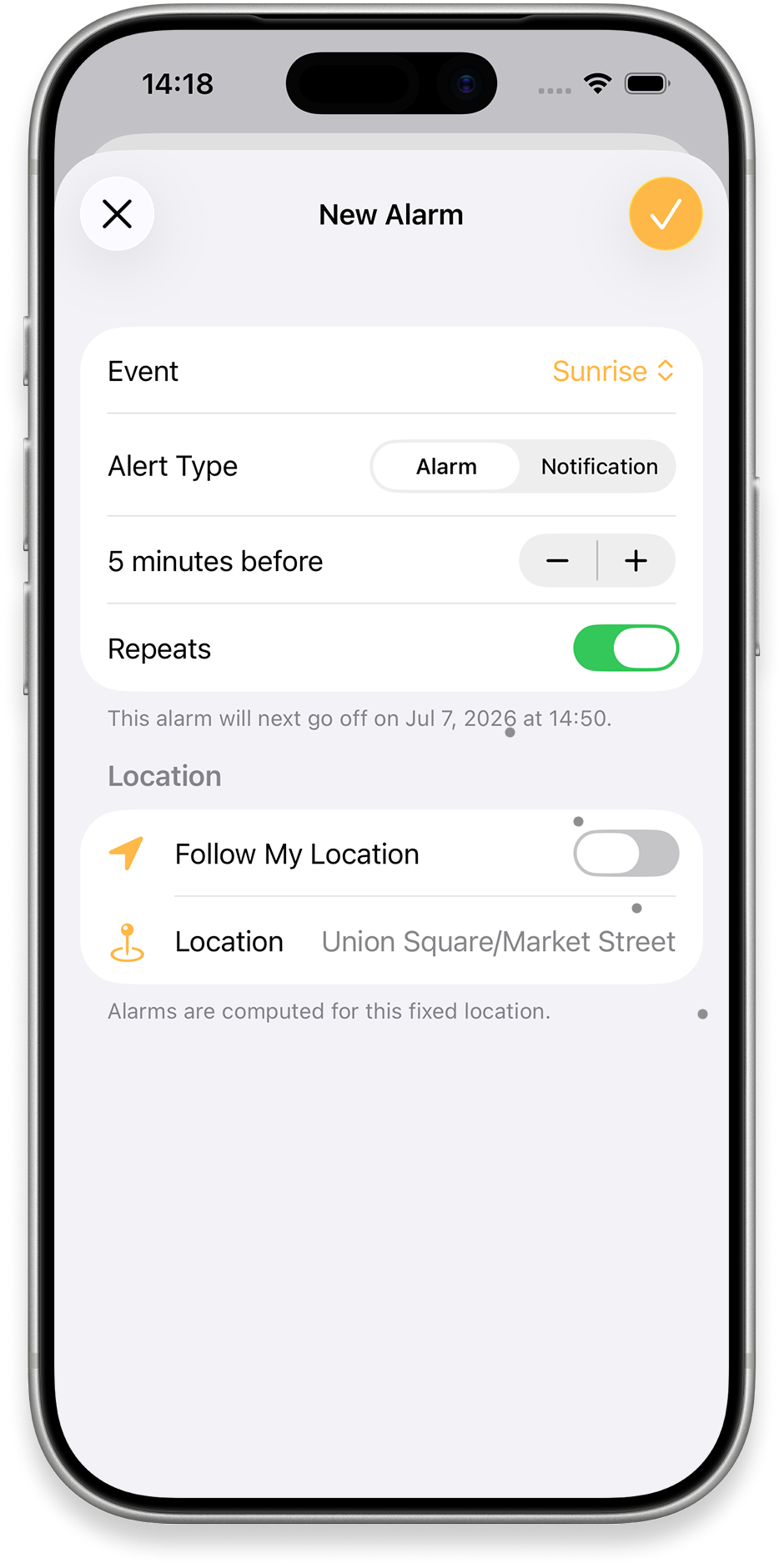
Nine clean iPhone device frames with transparent backgrounds cover AR, city and terrain shadows, Street View, Construction mode, sun times, weather, widgets and alarms. Use the full-resolution PNGs for publication.
Press
Press contact
For interviews, product questions or additional imagery, contact the developer.